



Ergonomic Desk Setup: Where Your Mat, Keyboard and Mouse Should Go
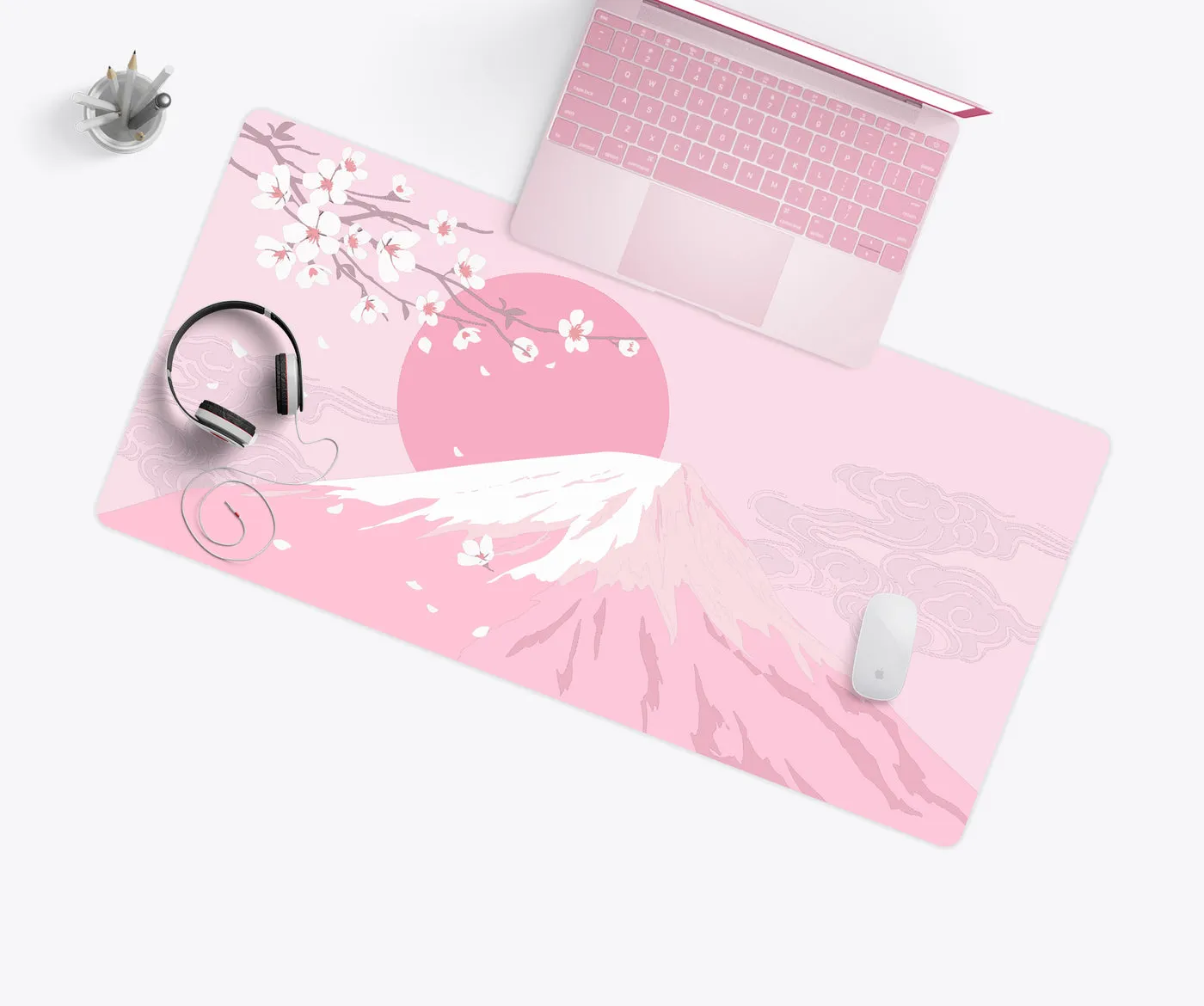
Most desk discomfort comes from small things repeated thousands of times a day: a mouse a few inches too far away, a wrist bent up all afternoon. A few adjustments fix most of it.
Keyboard and mouse height
Sit with your shoulders relaxed and elbows near your sides at roughly 90 degrees. The keyboard and mouse should sit at about elbow height, so your forearms are level.
Keep the mouse close
Reaching for the mouse rotates the shoulder outward all day. Keep it right next to the keyboard. A compact or tenkeyless keyboard brings the mouse closer.
Wrists straight
Your wrists should be straight, not bent up or sideways. A 3 mm desk mat gives the heel of your hand a softer surface than a hard desk edge, and a gel pad or keyboard wrist rest supports your palm during pauses.
One surface
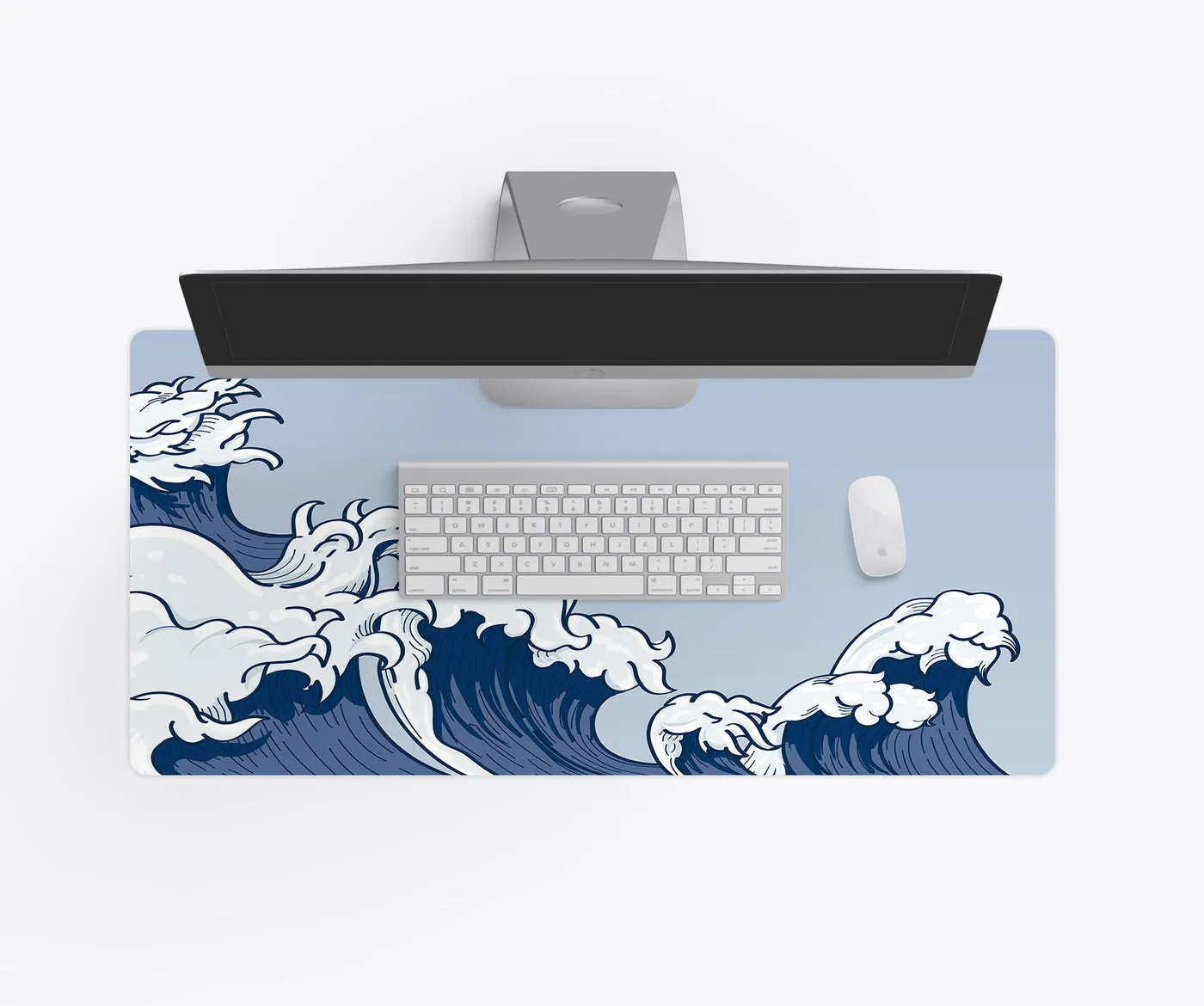
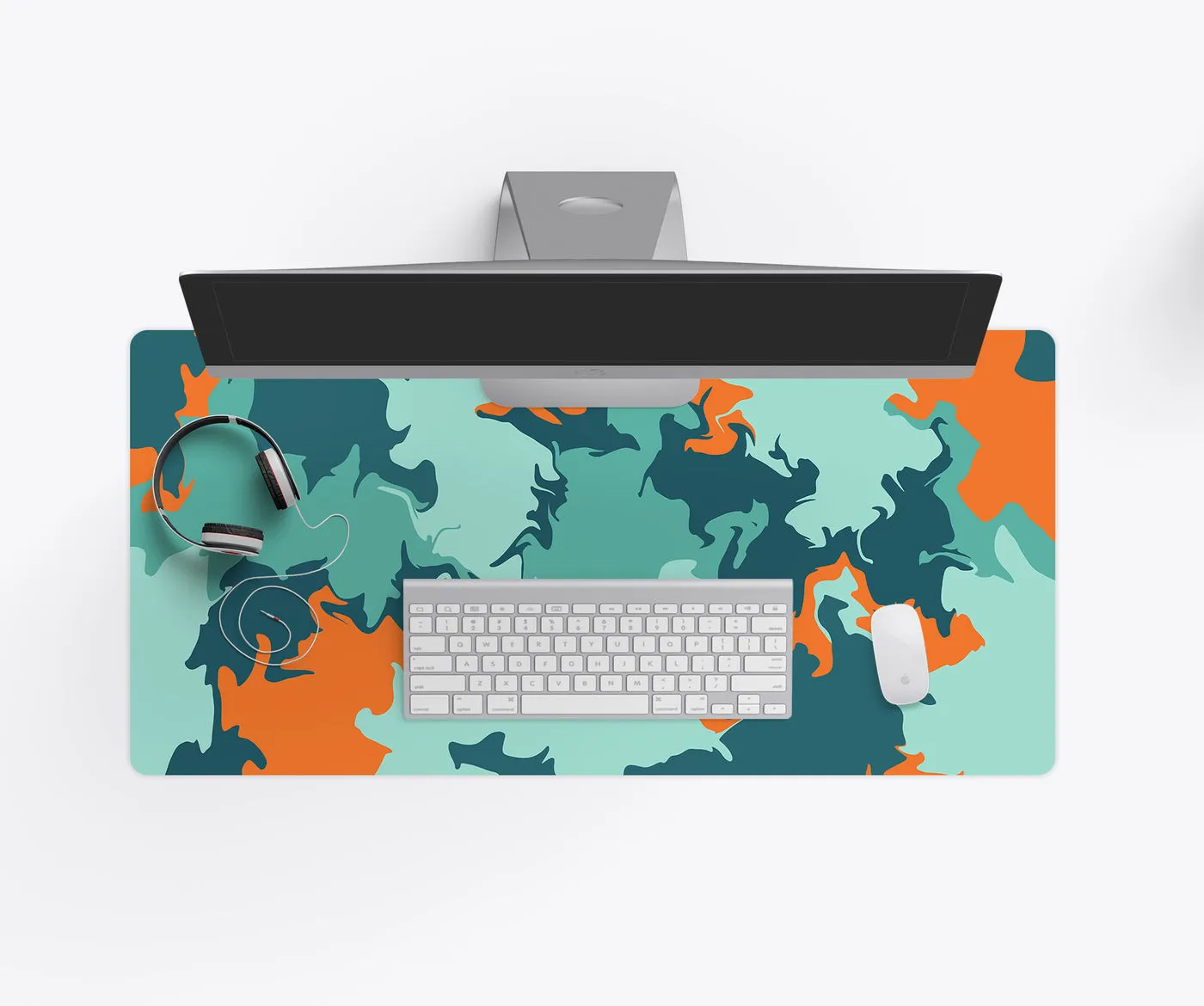
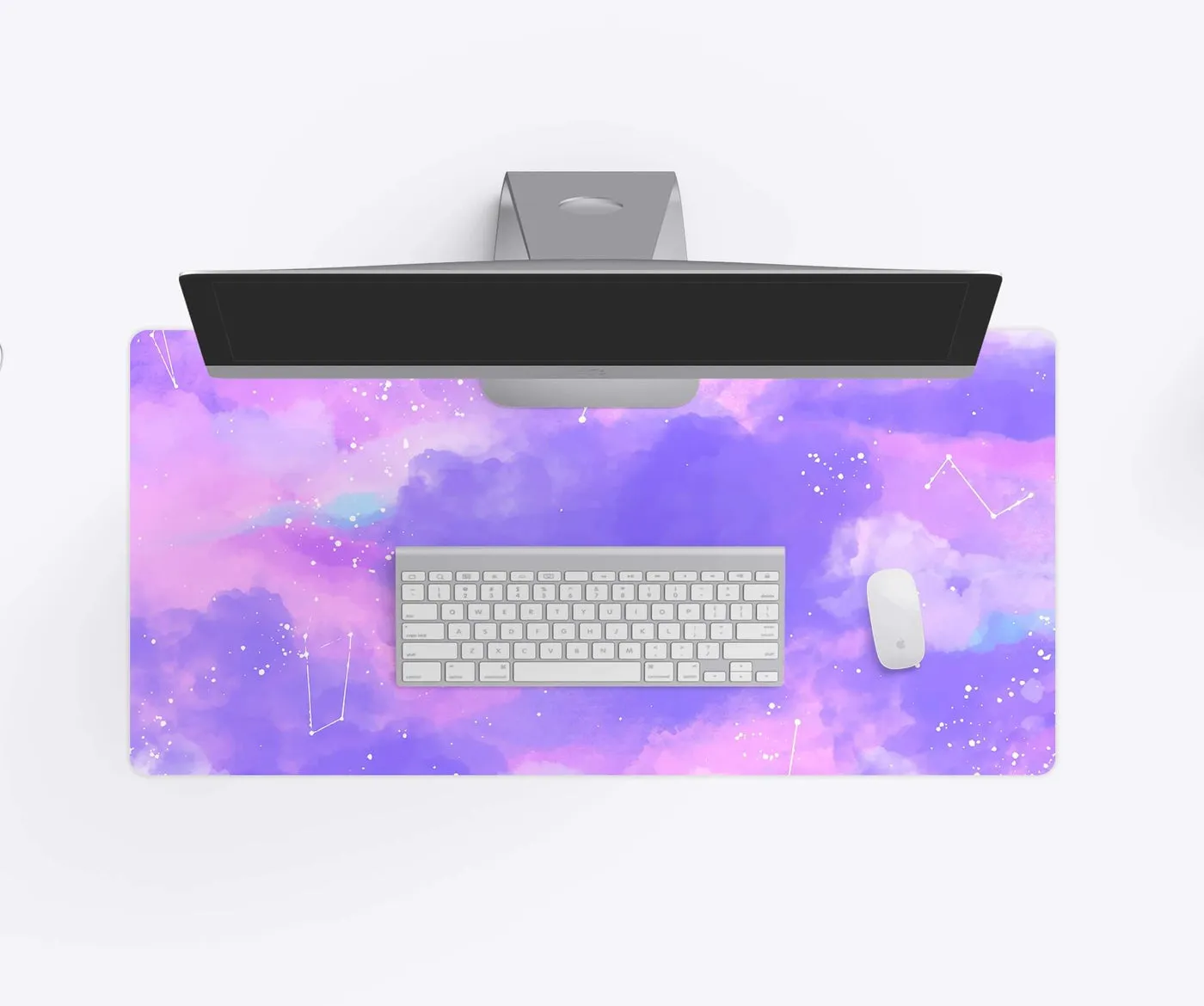
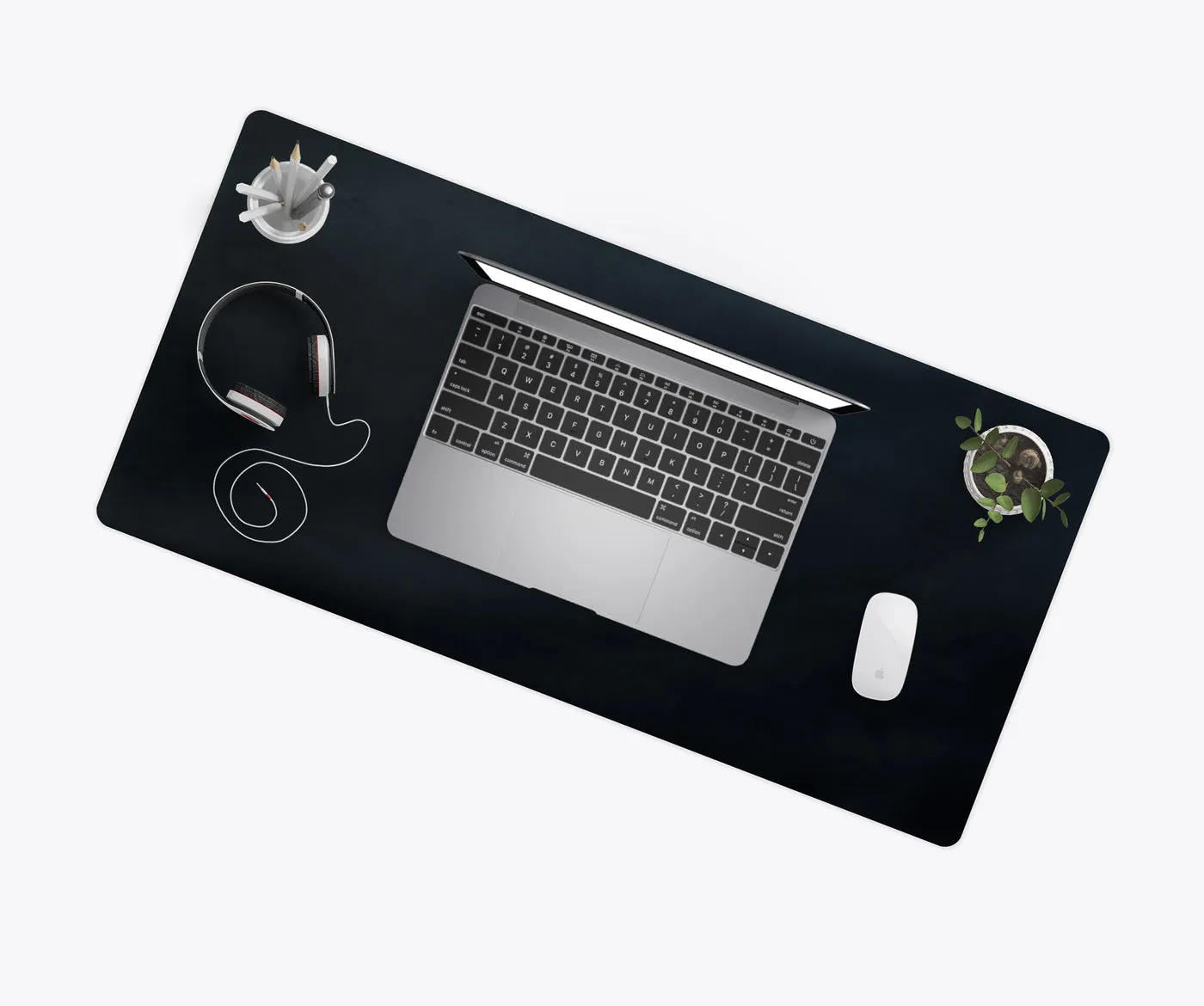
A desk mat under both keyboard and mouse keeps them at the same height and gives the mouse a consistent surface, which reduces the small corrections your hand makes all day.
Screen
Top of the screen at or slightly below eye level, about an arm’s length away.
Move
No setup beats getting up. Stand and stretch every half hour or so.
Shop gel mouse pads and wrist rests, or pick a size with the desk mat size guide. If you have ongoing pain, talk to a health professional.