
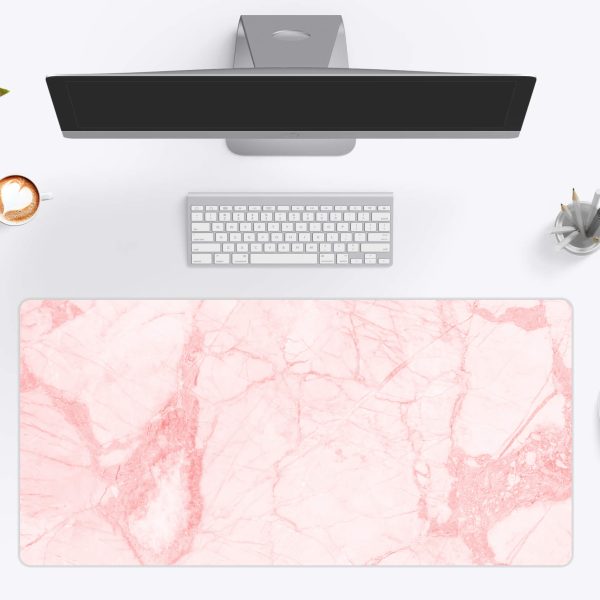

Gaming Mouse Pad Size Guide: Sensitivity, Surface and Size
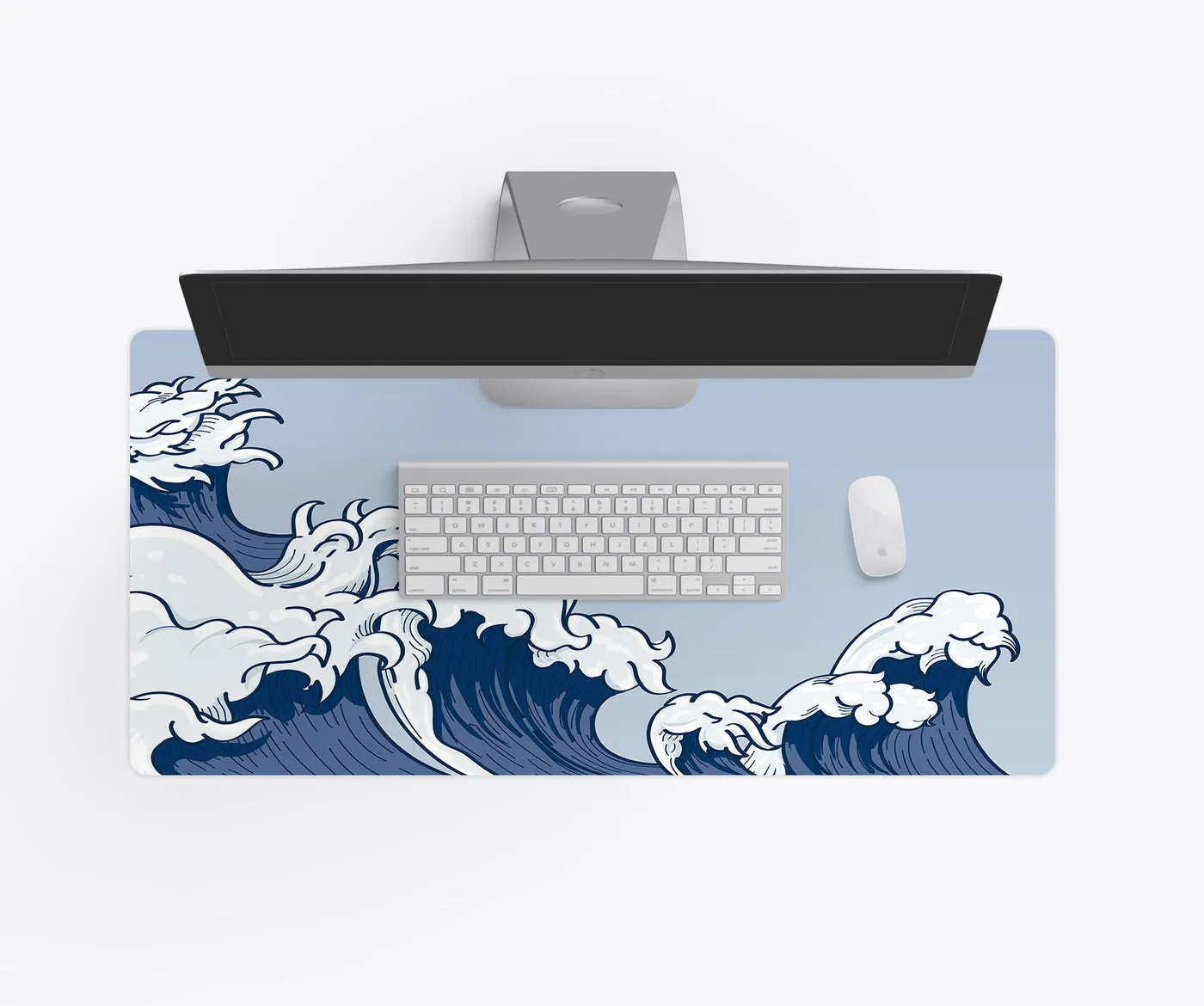
For gaming, a mouse pad is not a decoration. It sets how far you can move your arm, how fast the mouse glides and how predictably it stops. Pick the size from your sensitivity, then pick the look.
Start with your sensitivity
The useful number is how far your mouse travels for a full 360 degree turn in game (cm/360). The lower your sensitivity, the more room you need.
- High sensitivity (wrist aim, under 25 cm/360): a 12×18 mouse-only pad is plenty.
- Medium (25 to 40 cm/360): 14×24 gives room for a TKL keyboard and the mouse.
- Low (arm aim, over 40 cm/360): 16×35 or the 18×36 XXL.
Speed or control?
Smooth, tightly woven surfaces are faster; textured ones add stopping power. Our gaming surface is balanced: quick flicks, clean stops, and the same glide in every corner. Optical and laser sensors both track cleanly.
Stitched edges
Stitching adds a finished border and extra fray resistance where your forearm rests, which is why a lot of gaming pads are stitched. Seamless edges look cleaner in setup photos.
One pad or a desk mat?
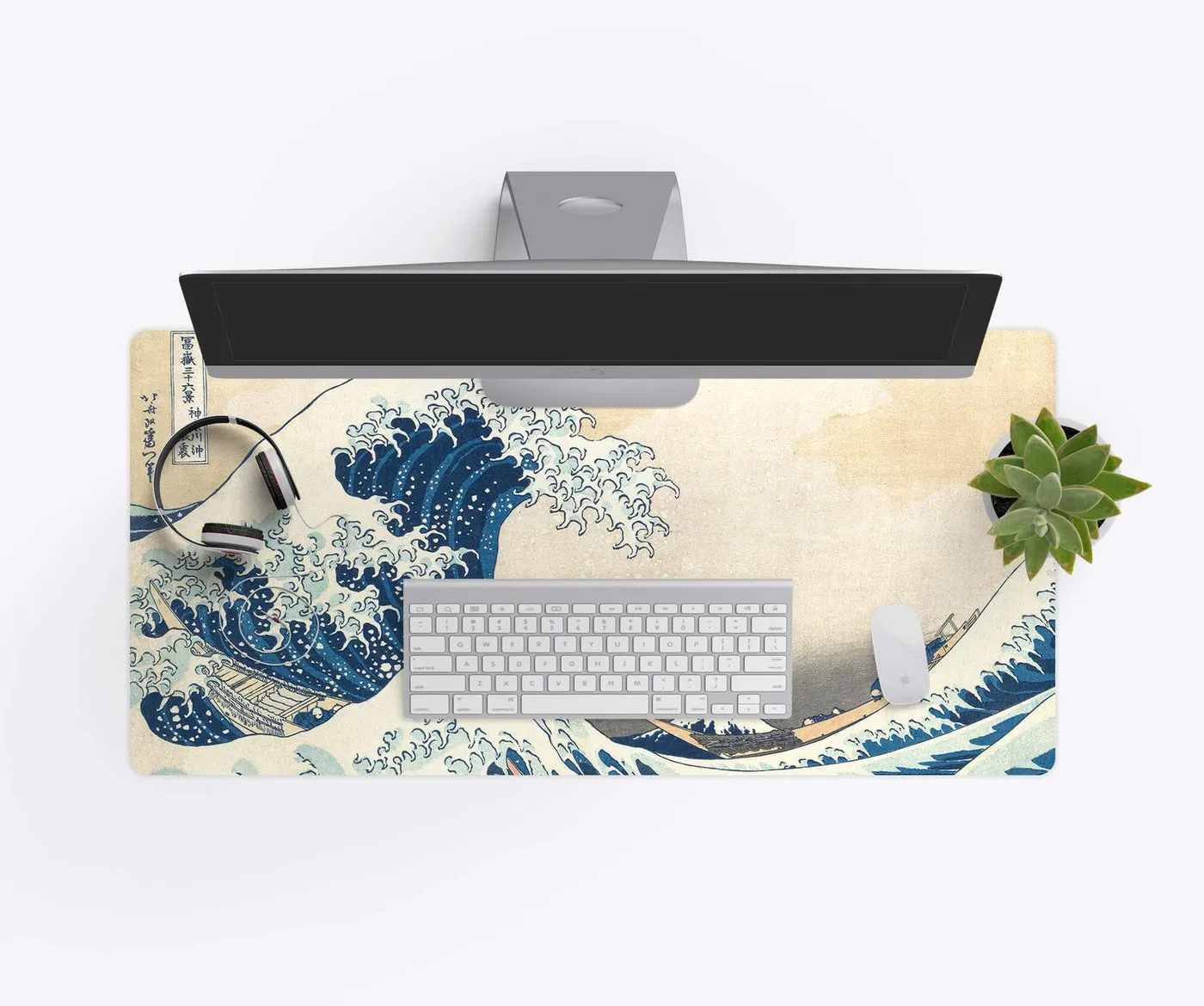
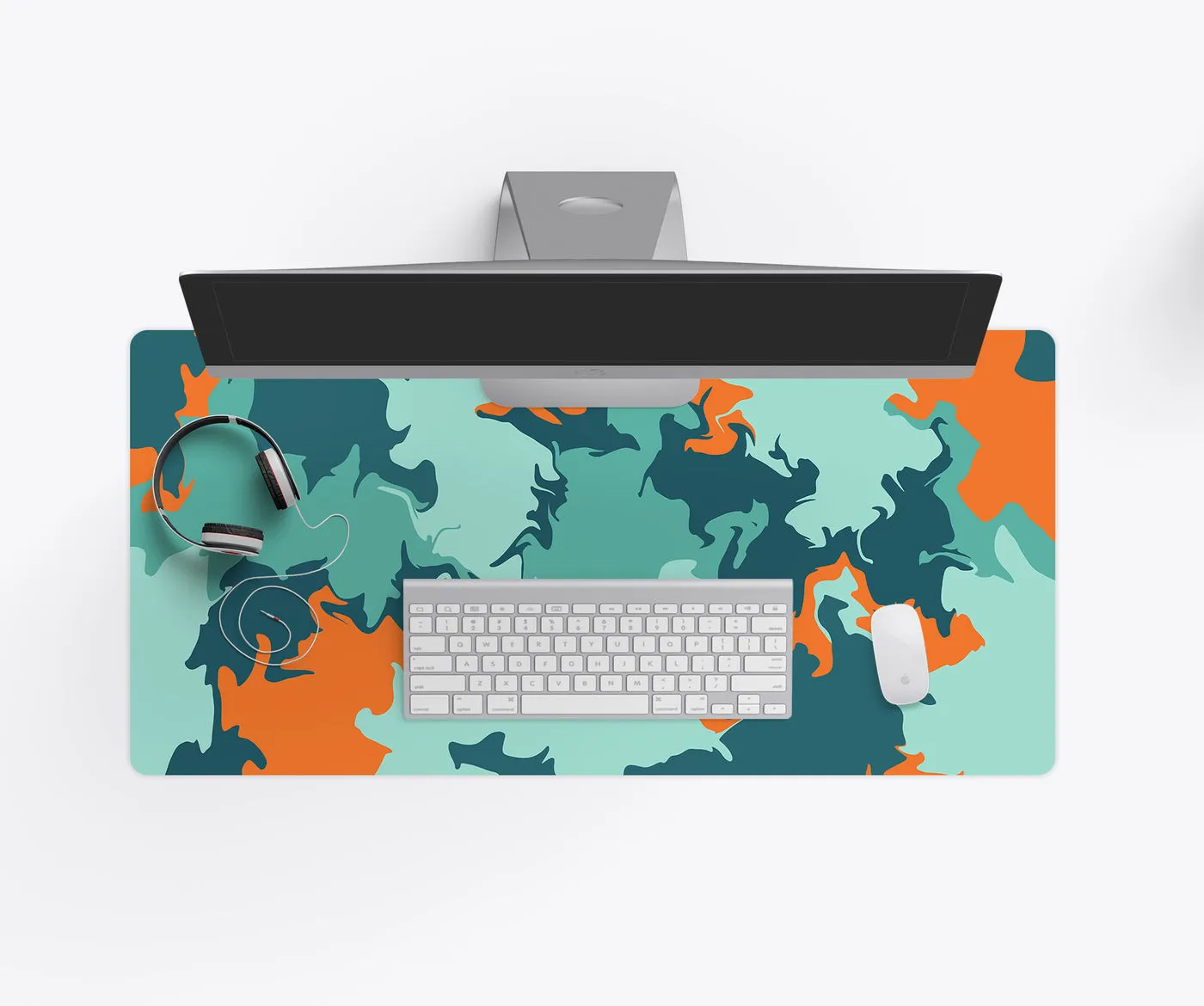
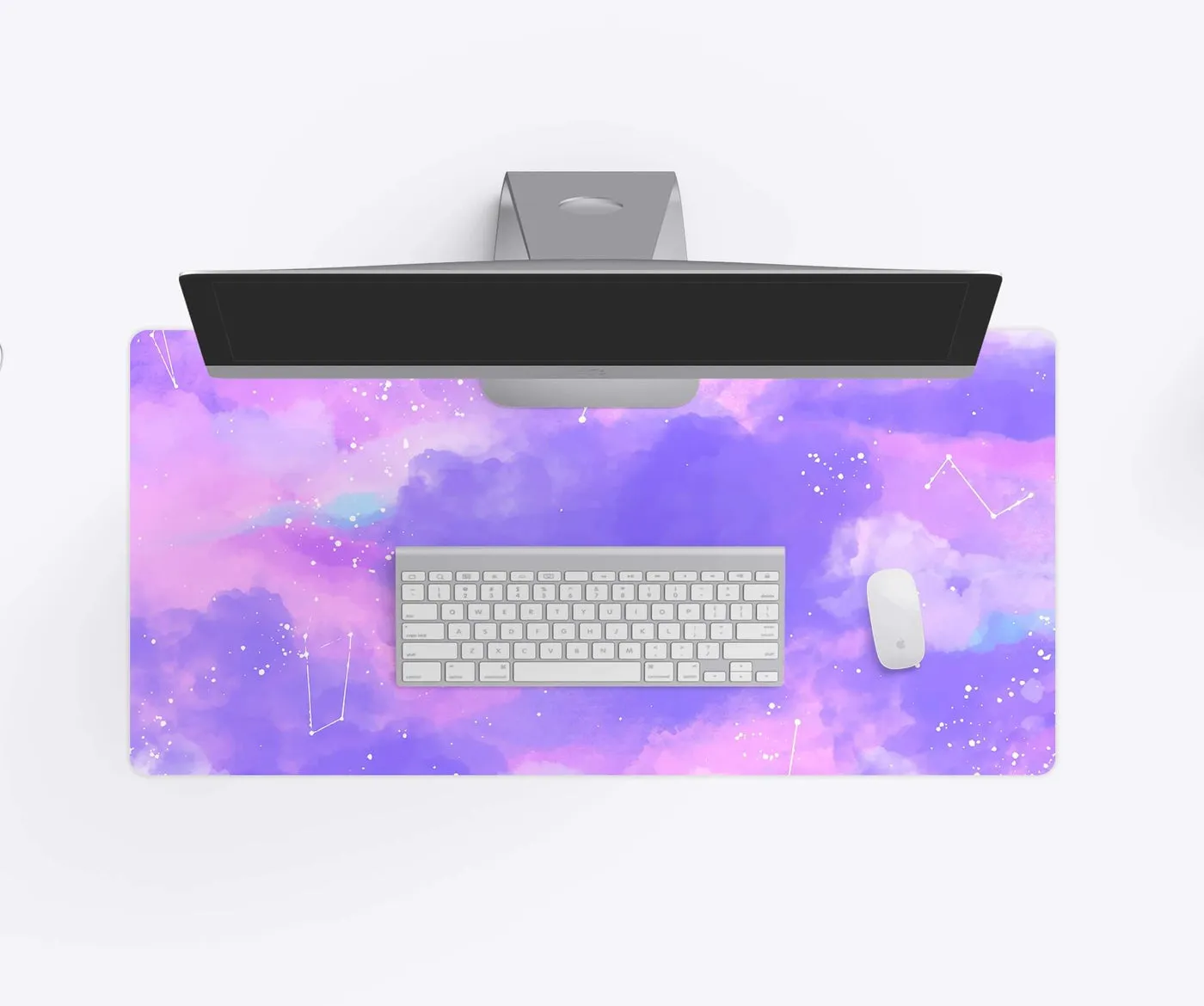
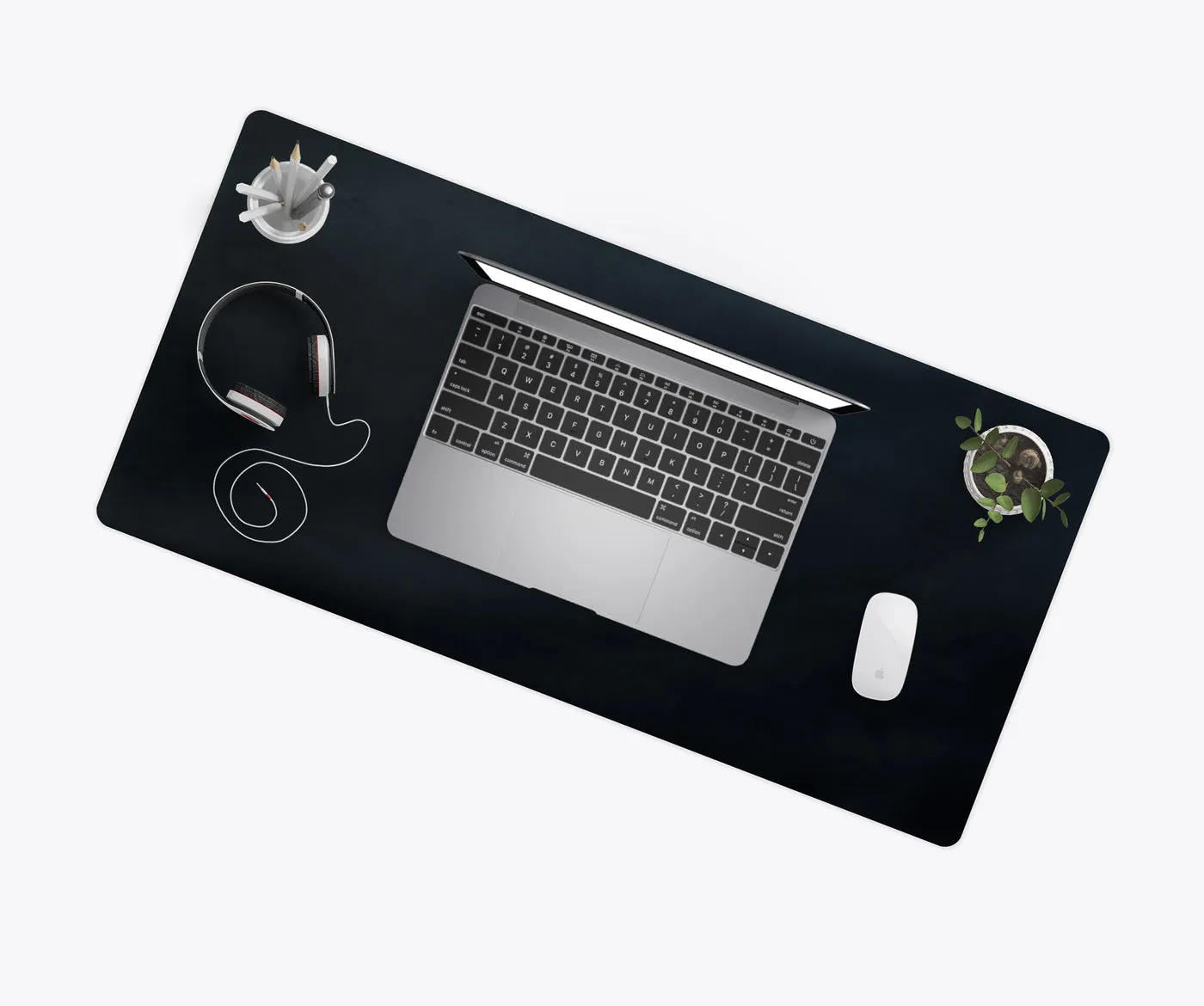
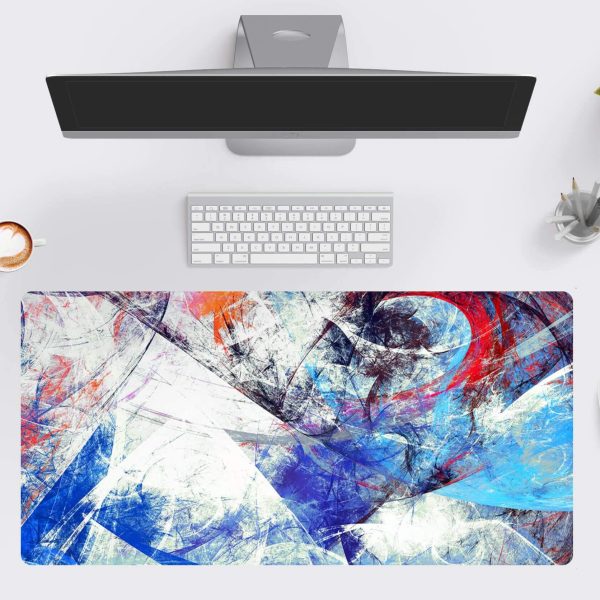
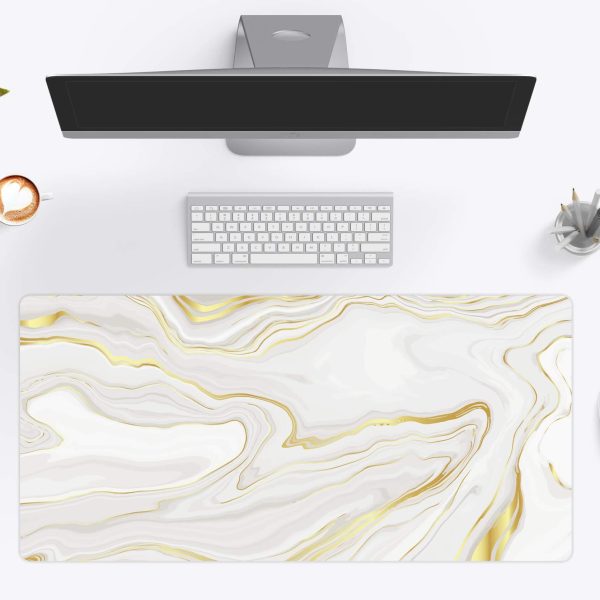
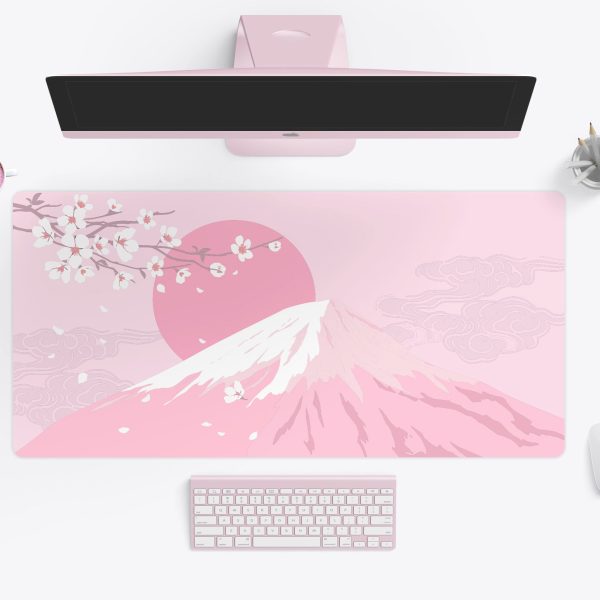
An XXL pad under the keyboard and mouse keeps both on one consistent surface, so the mouse never catches on the keyboard edge mid-flick.
Make it yours
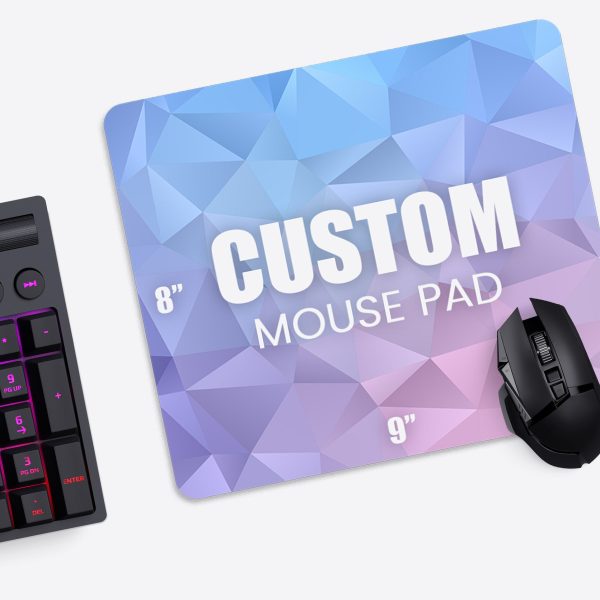
Game key art you own, your team or stream logo, or the same 4K wallpaper as your monitor. Design a custom gaming mouse pad, or see the gaming desk mat designs.