
9 Custom Desk Mat Mistakes (and How to Avoid Them)
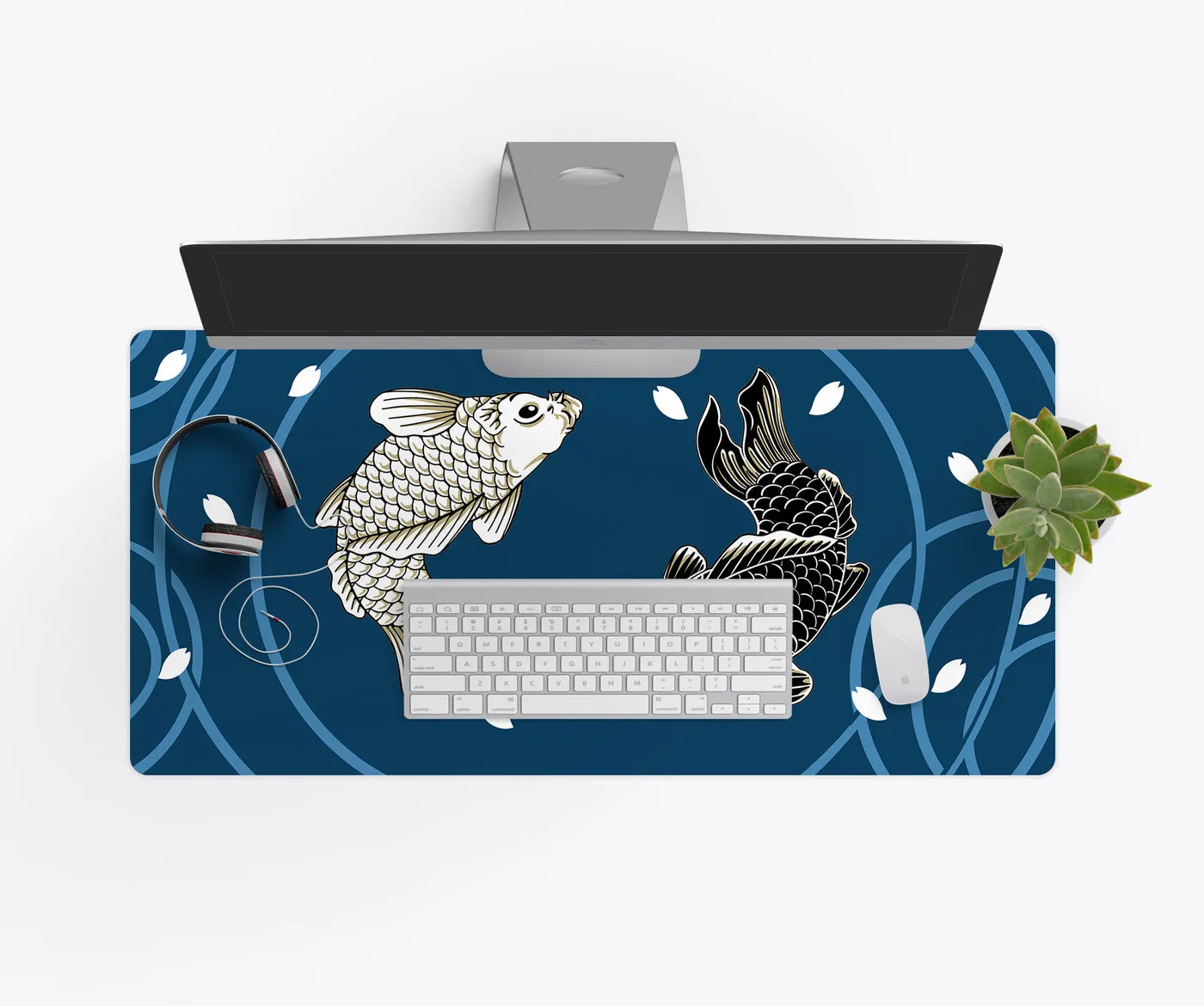
We have printed a lot of desk mats. These are the problems we see most, and every one of them is easy to avoid.
1. Uploading a screenshot
Screenshots and images saved from social media are compressed and small. They look fine on a phone and soft on an 18×36. Use the original photo or the full-size file.
2. Putting the important part under the keyboard
The middle of a desk mat is under your keyboard. Put faces, logos and text at the ends or along the front edge.
3. Text too close to the edge
Keep text and faces at least half an inch inside the edge so stitching or the wrap does not cut into them.
4. Picking the wrong size
A full-size keyboard is about 17 inches wide, so it will not leave mouse room on a 12×18. Measure first, or read the size guide.
5. Thin fonts
Hairline scripts disappear on fabric. Use a bolder font or a larger size.
6. Dark, low-contrast photos
Fabric does not glow like a screen. Brighten dark photos a little before uploading.
7. Stretching a portrait photo
A tall phone photo on a wide mat either crops heavily or stretches. Choose a landscape photo, or use the photo at one end with a background color filling the rest.
8. Using art you do not own
Characters, team logos and artists’ work belong to someone. We can only print art you own or have permission to use, so commission a piece or use your own.
9. Washing it hot
Hot water and dryers can warp the rubber. Cool water, air dry flat. See the cleaning guide.
Not sure your file is right? Upload it and tell us in the notes; we check every file before it prints.